

Course
Shot on a Phone
Give every student a book they keep
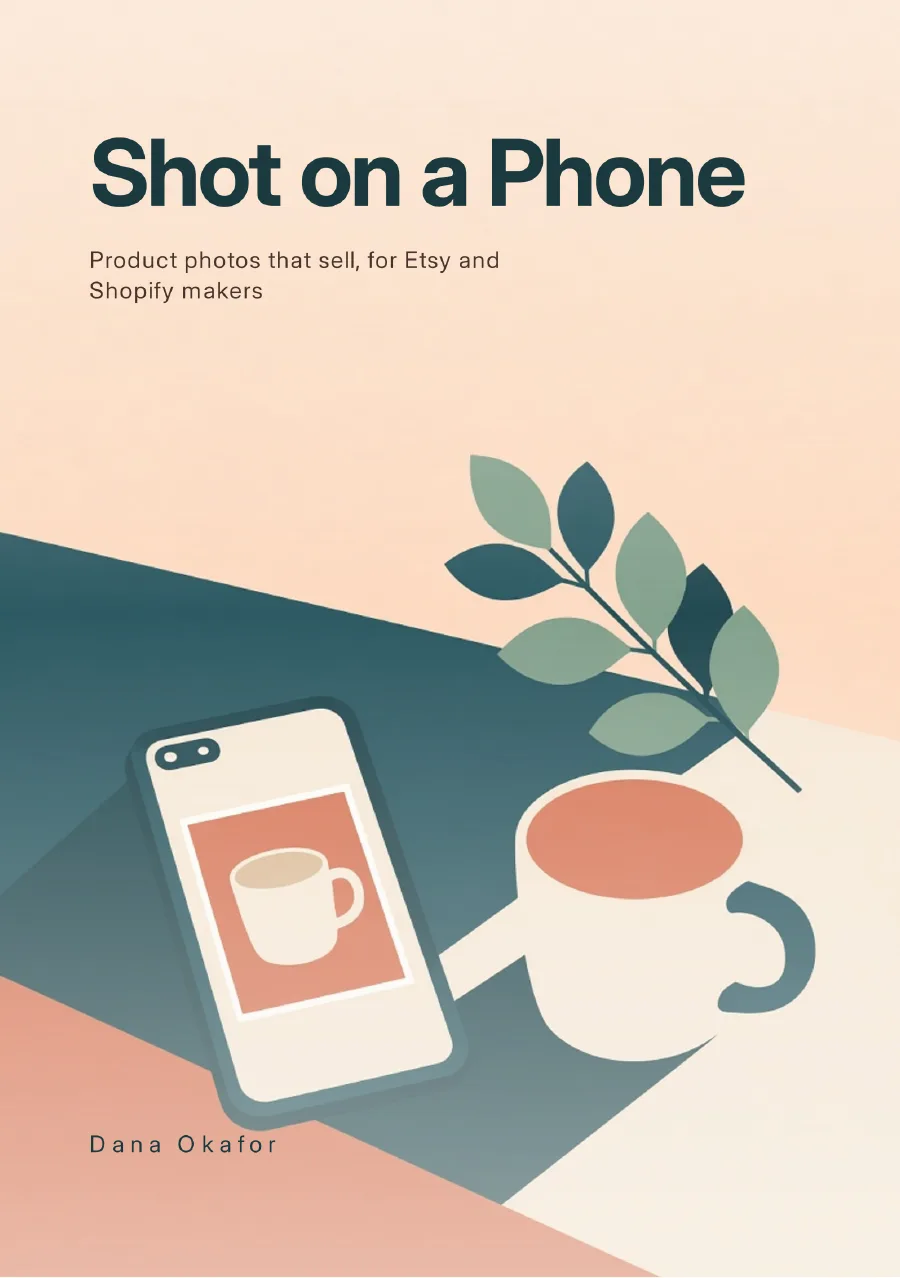
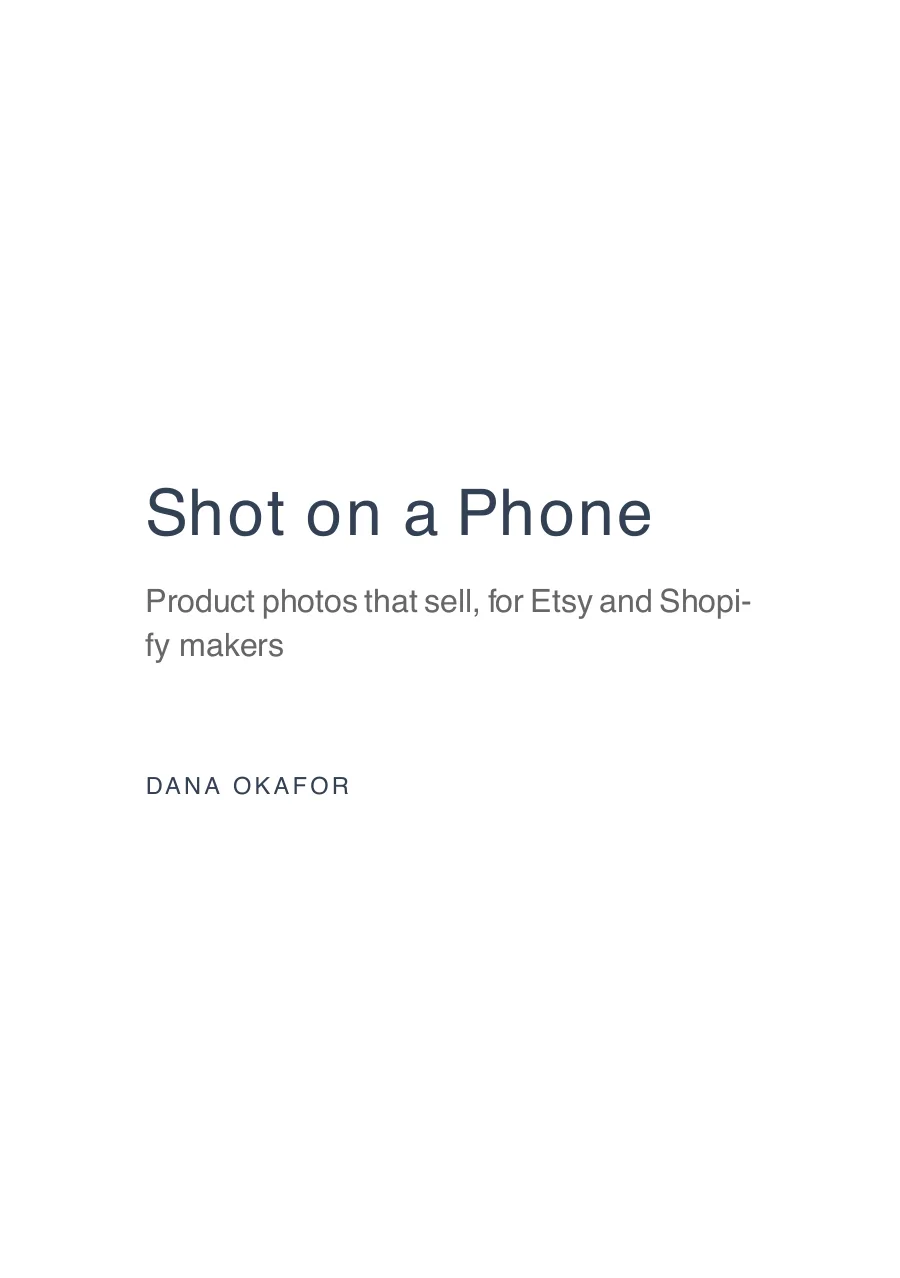
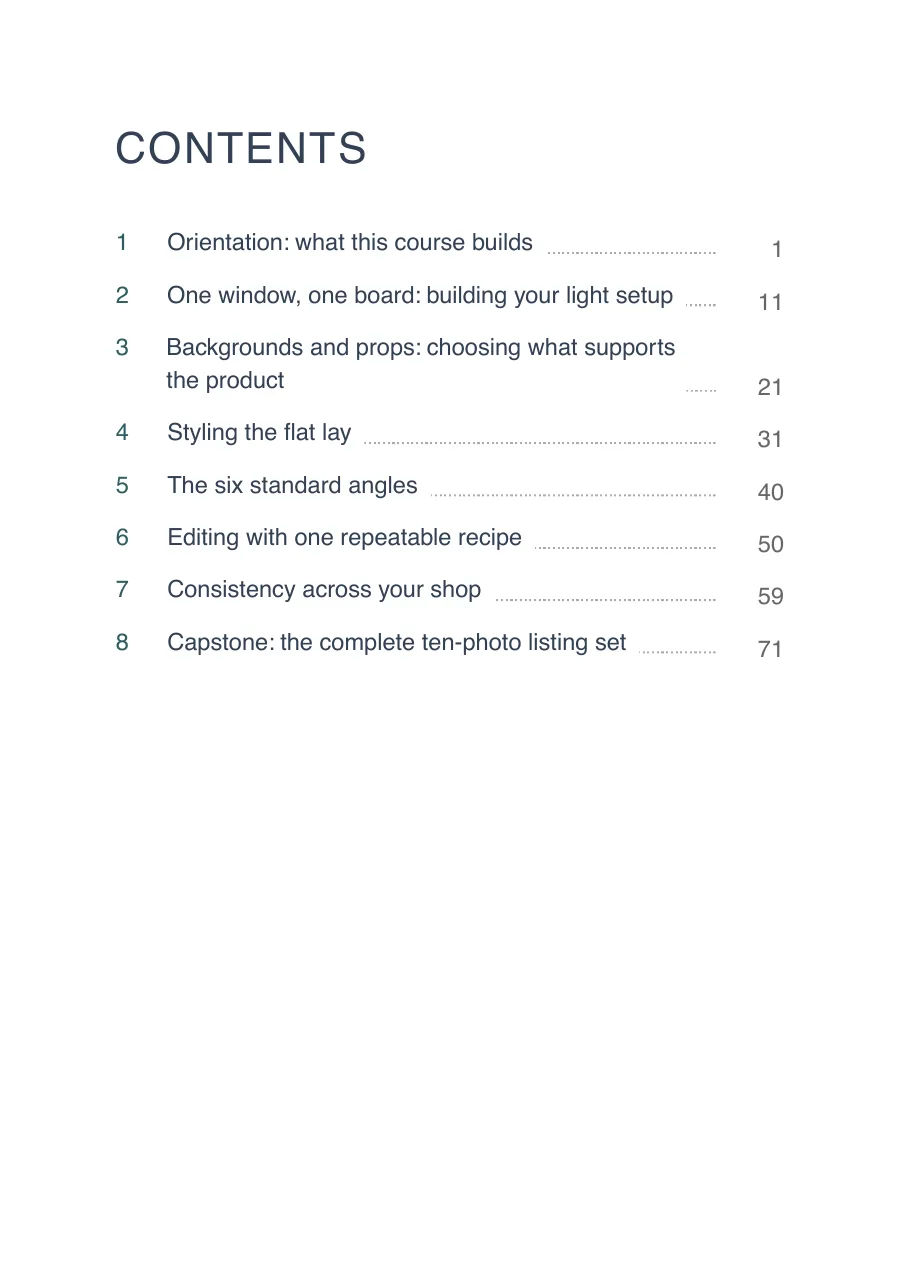
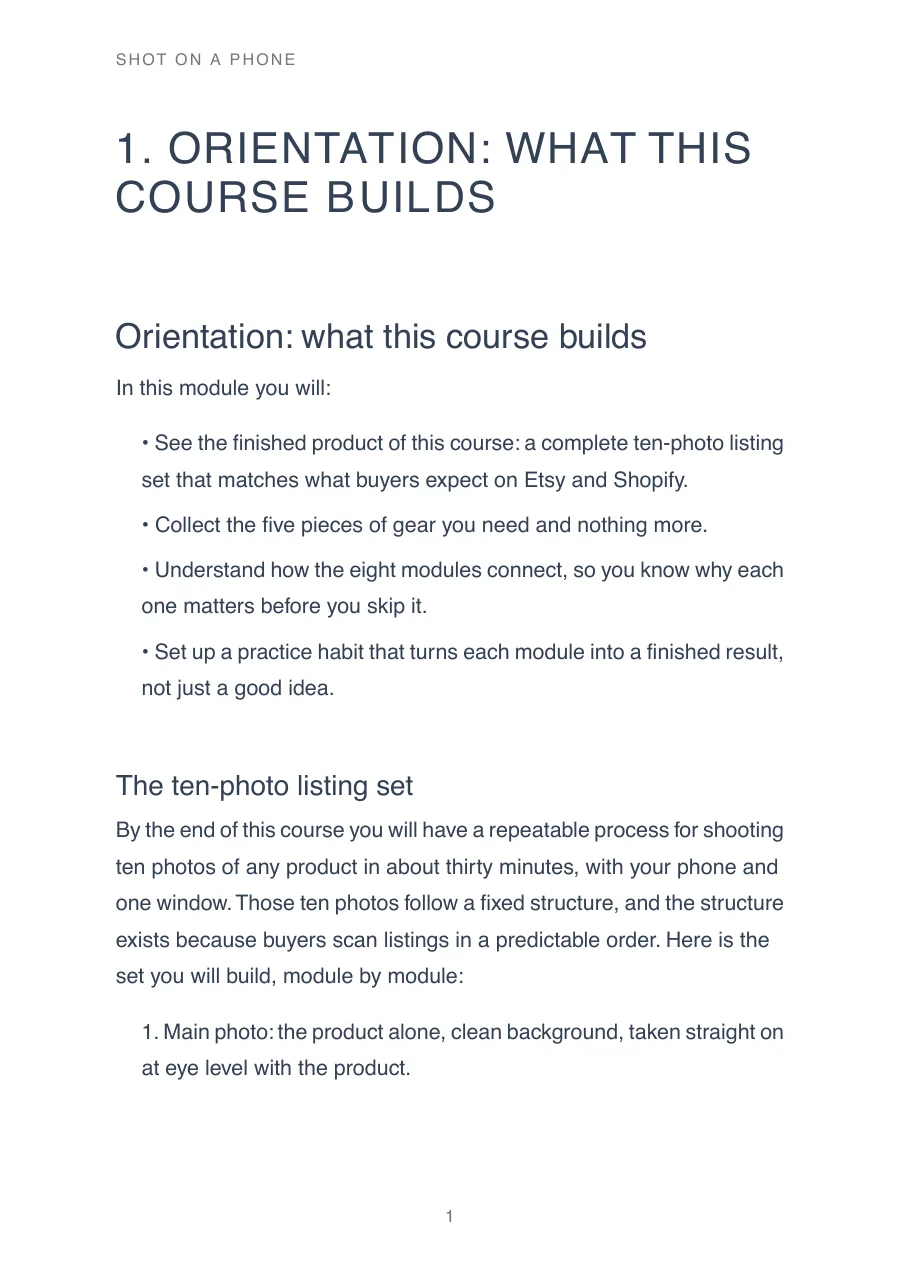
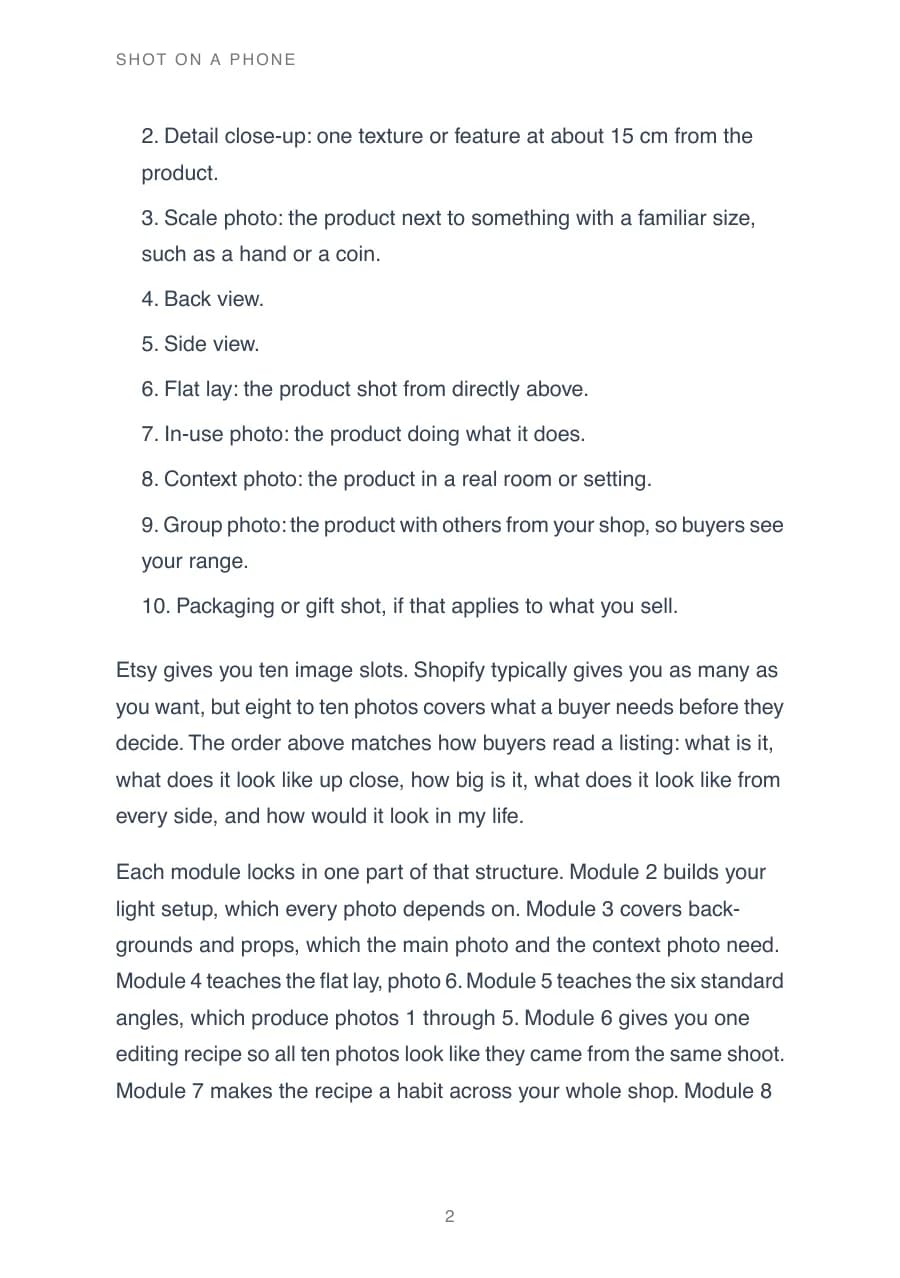
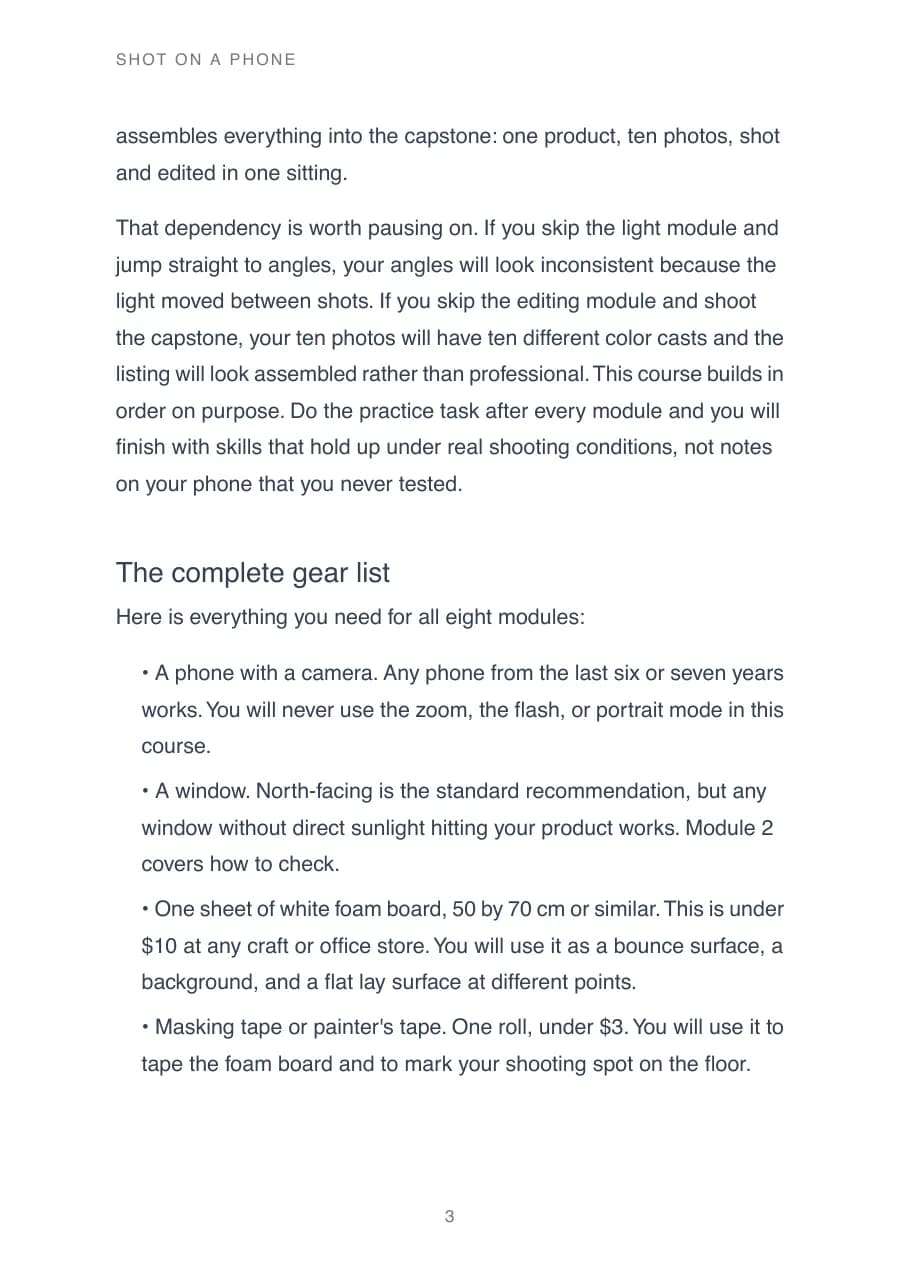
Describe your idea in one sentence. Get an outline you approve, chapters you can edit, and store-ready PDF, EPUB, and DOCX files.
Exports for Amazon KDP · Apple Books · Etsy · Gumroad
Example outputs
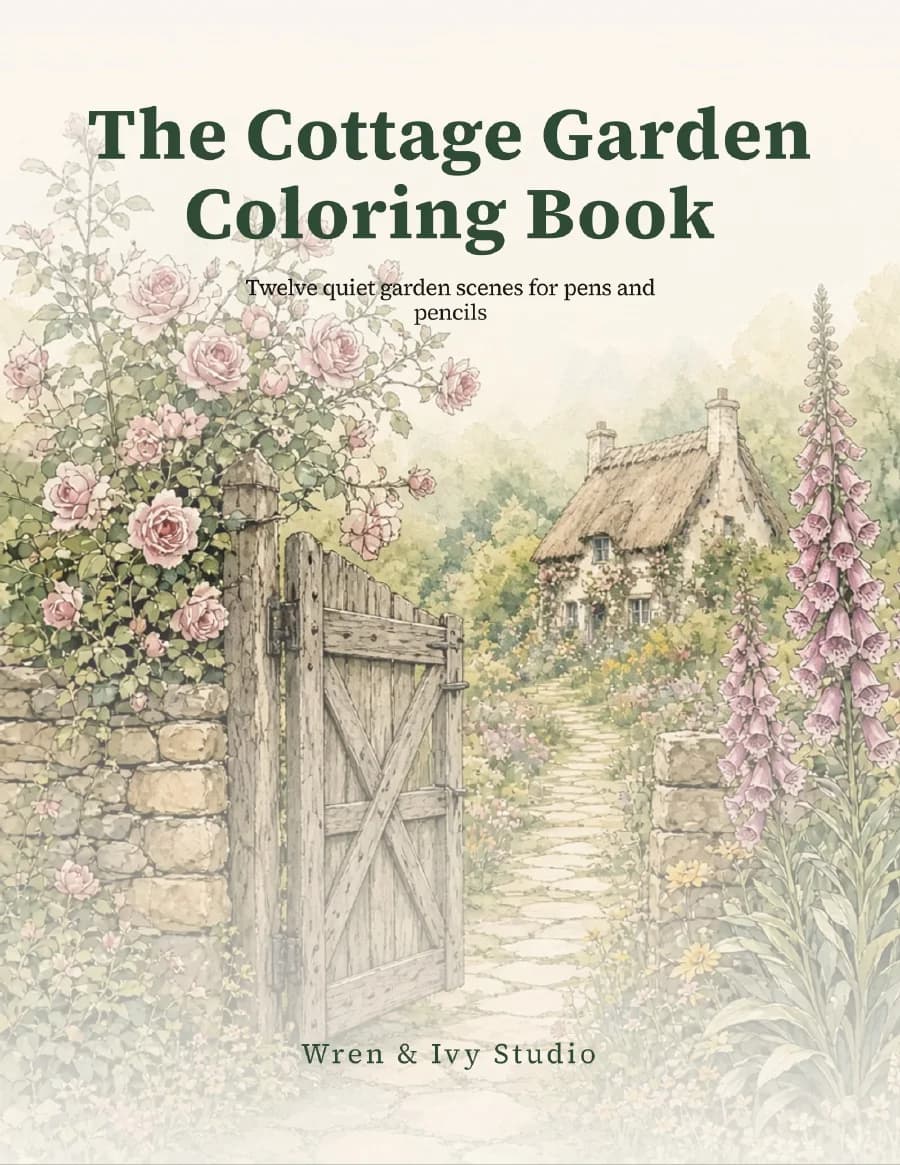
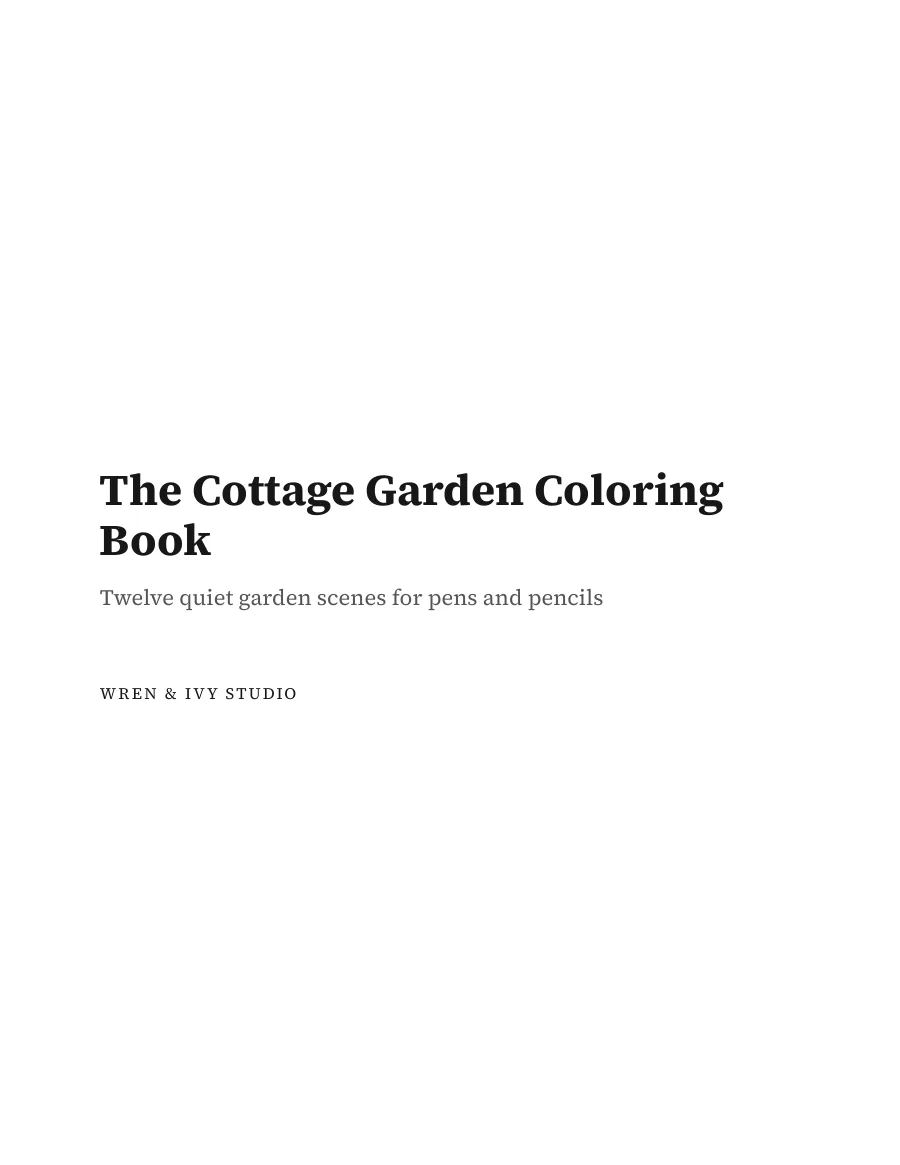
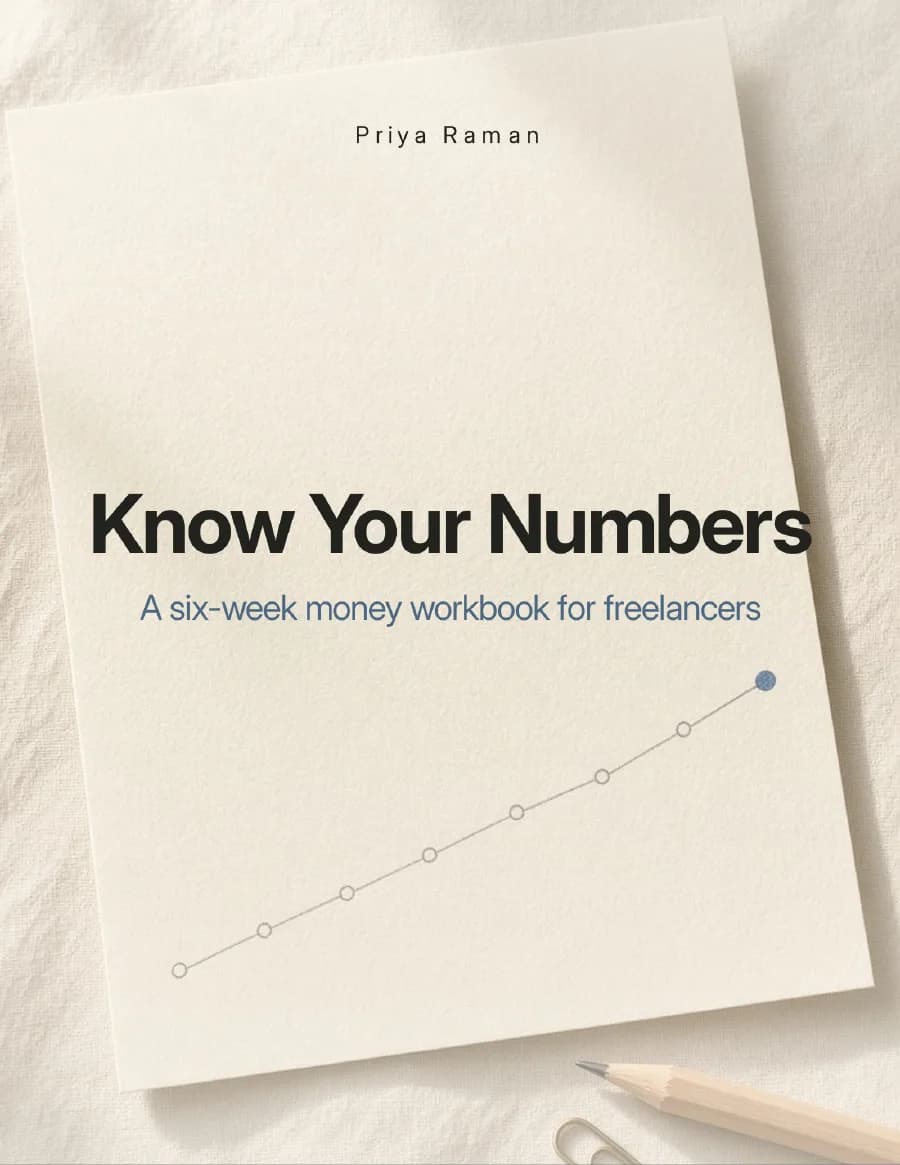
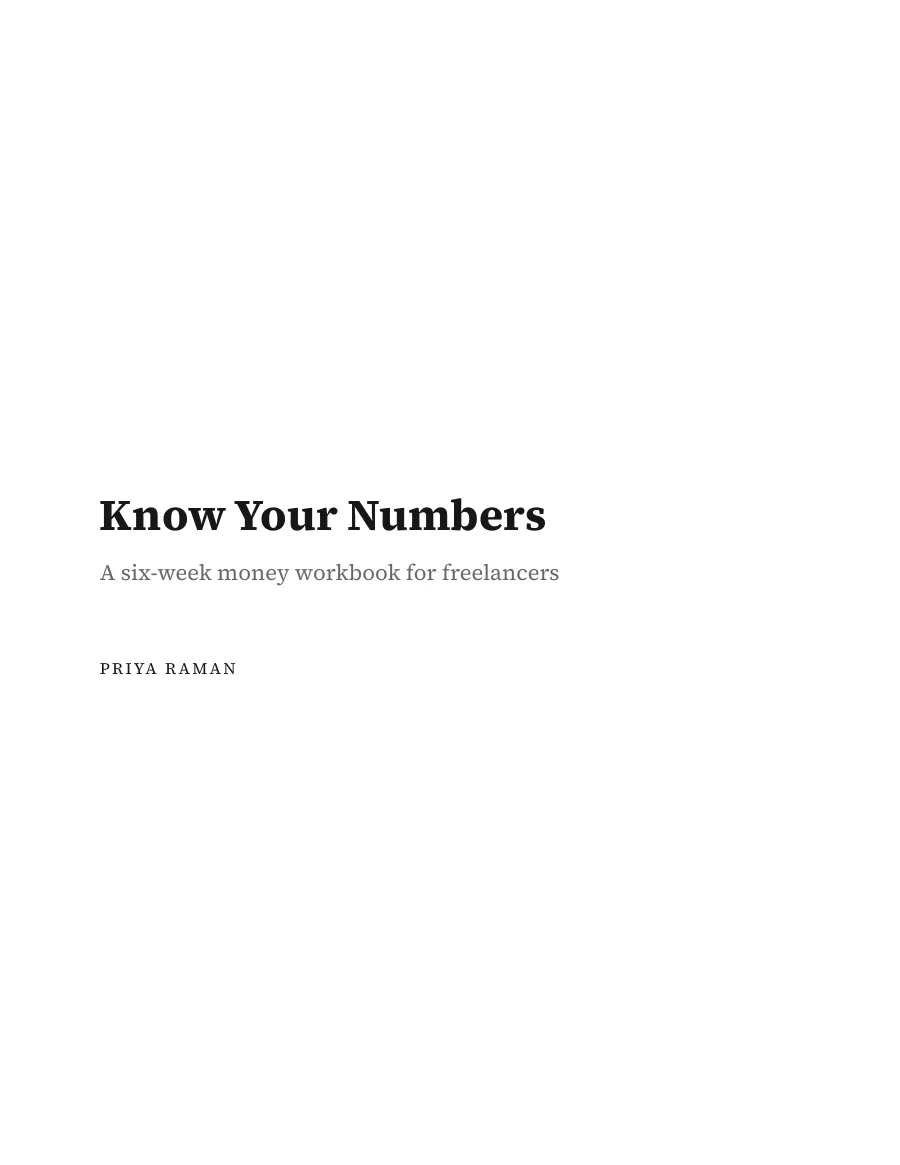
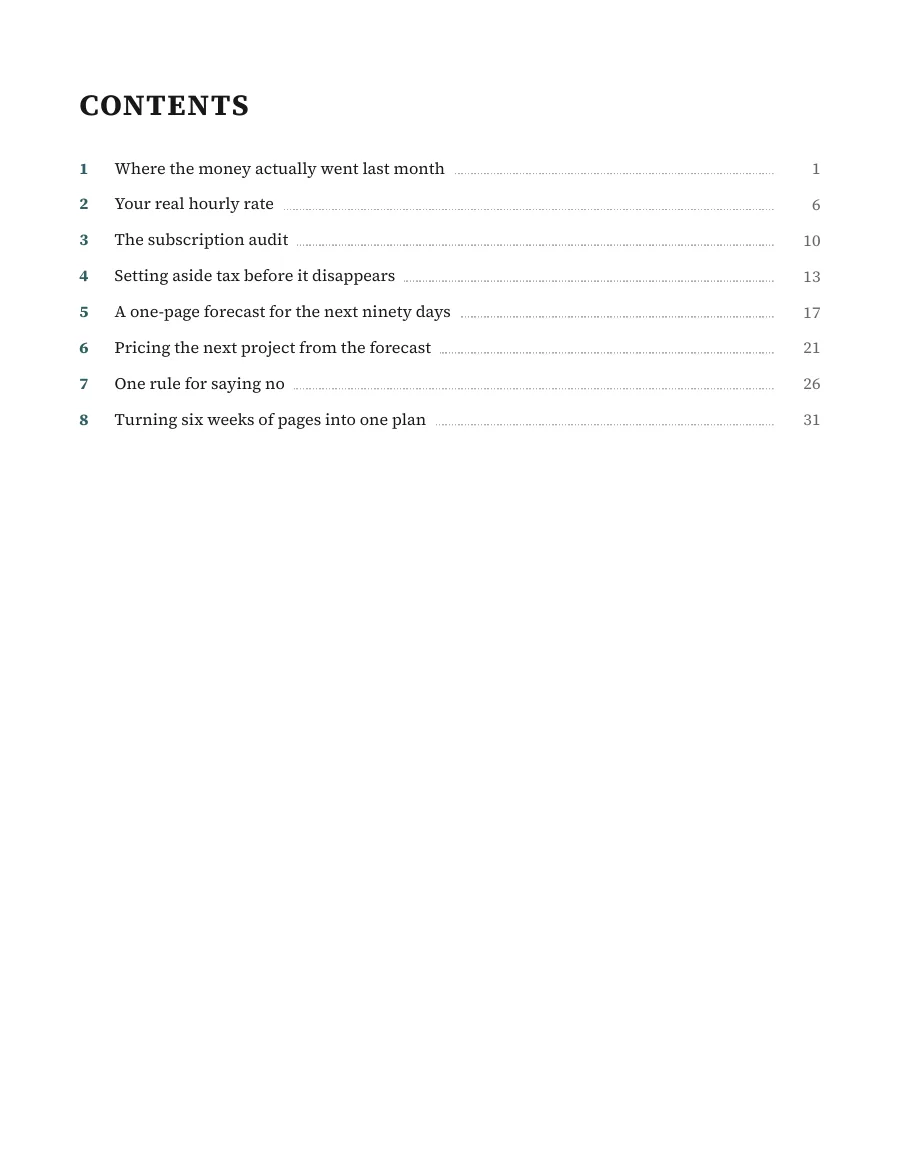
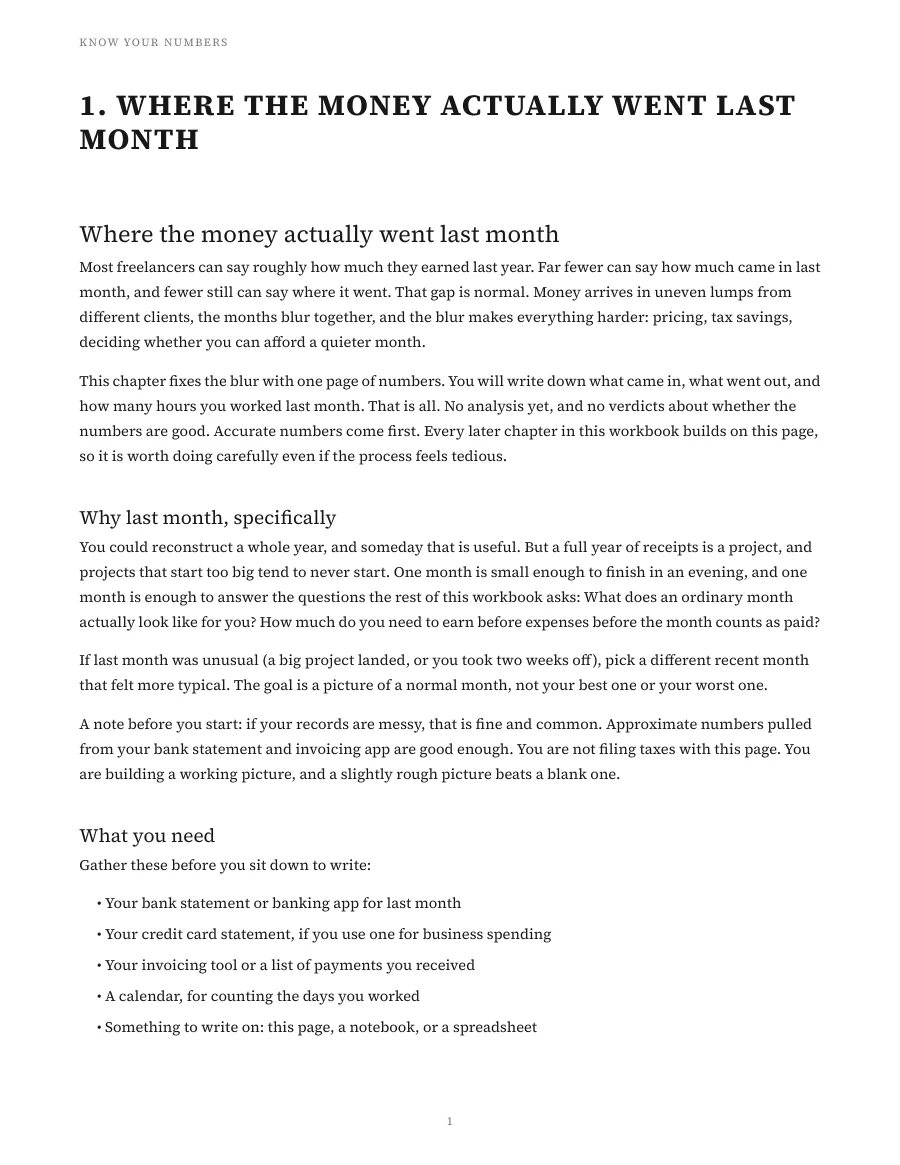
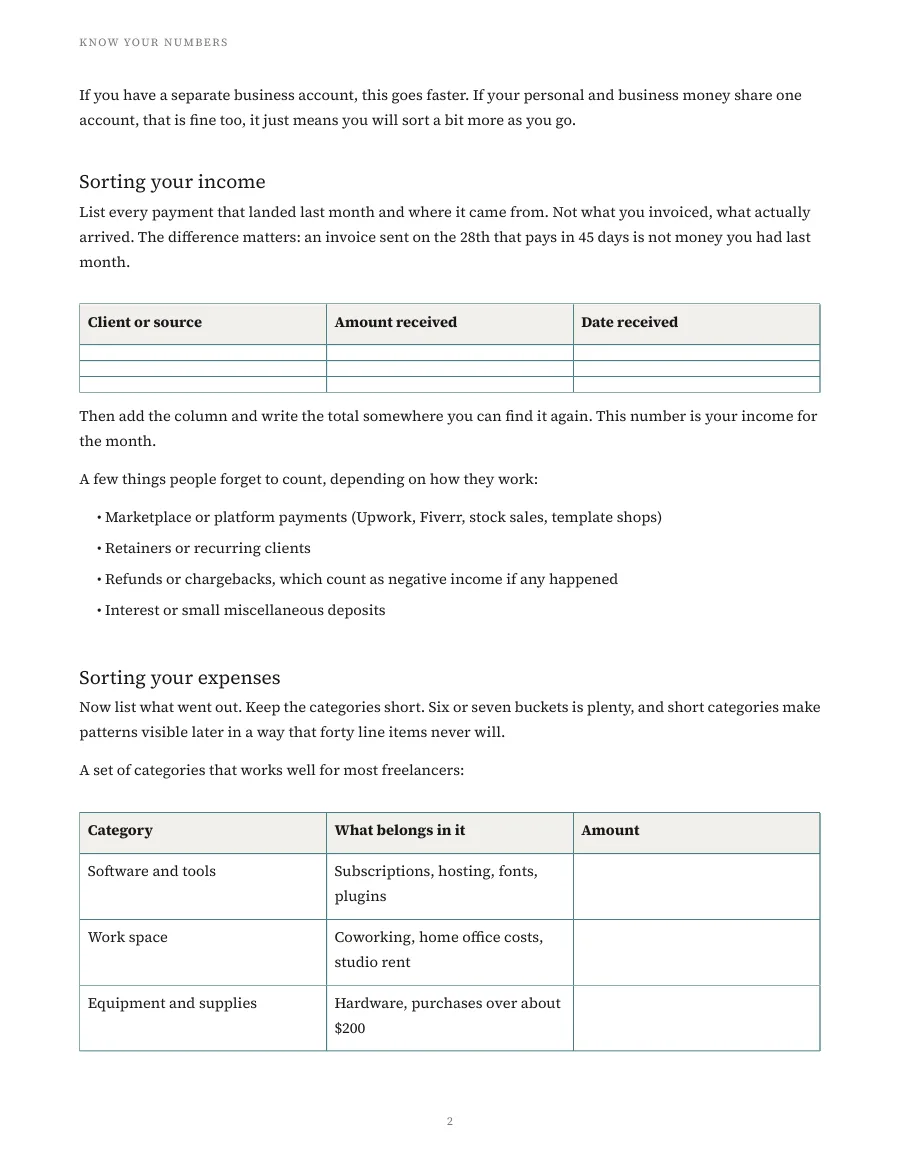
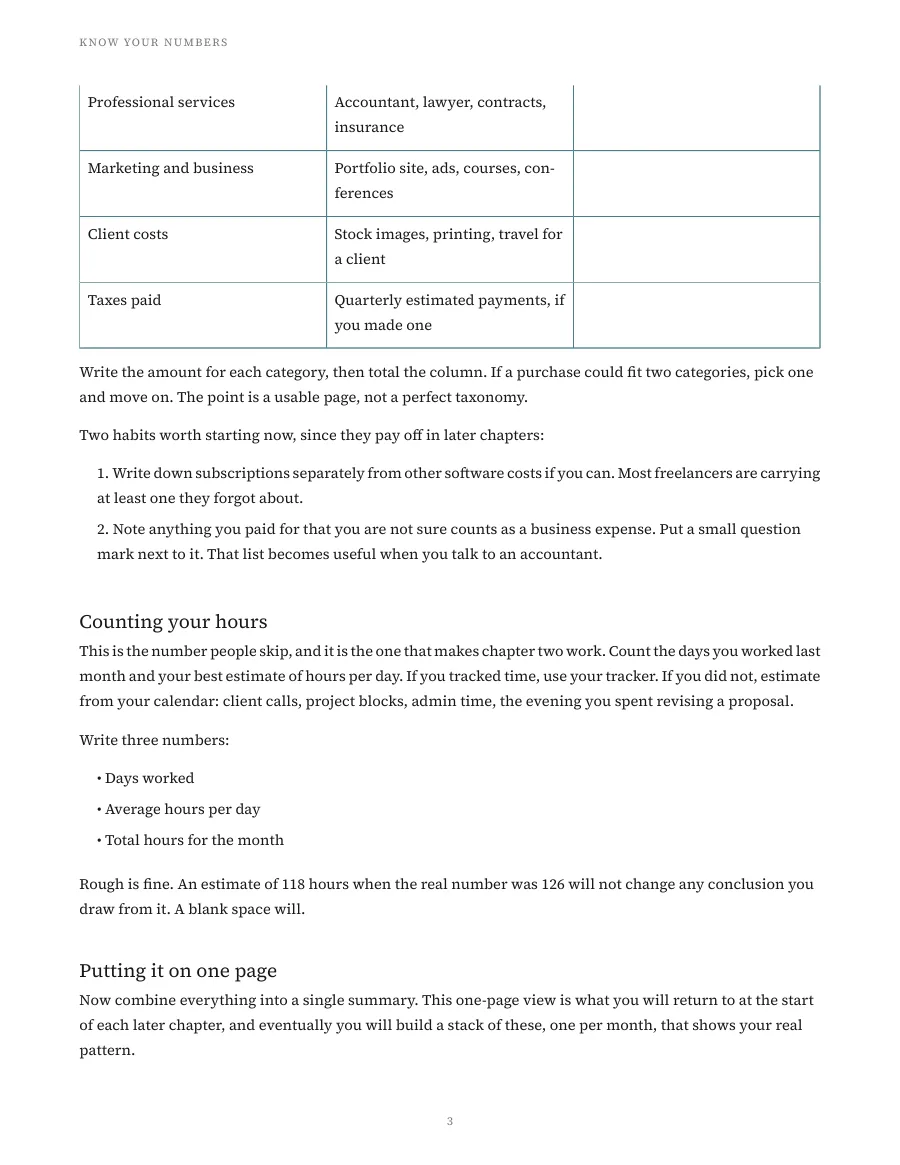
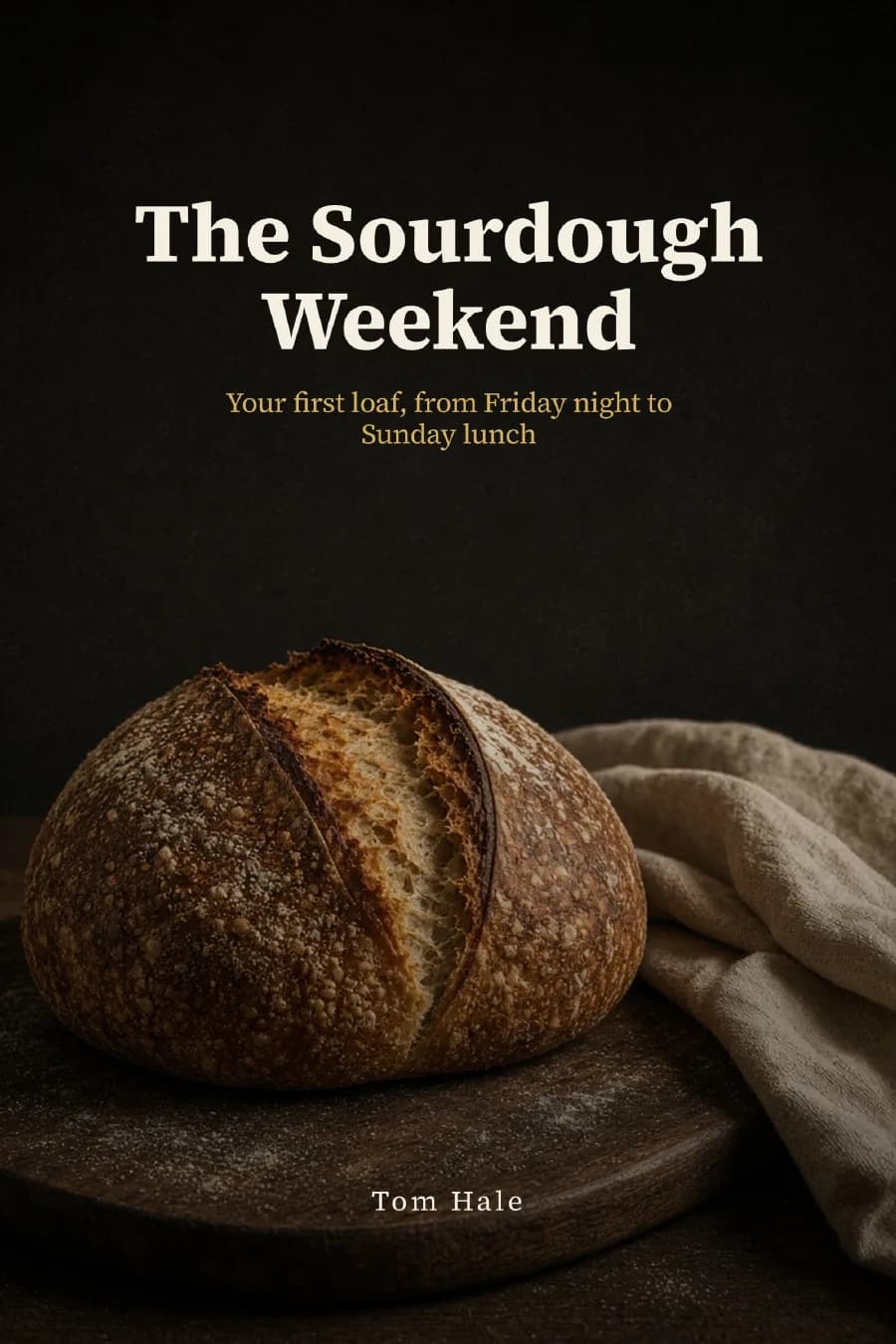
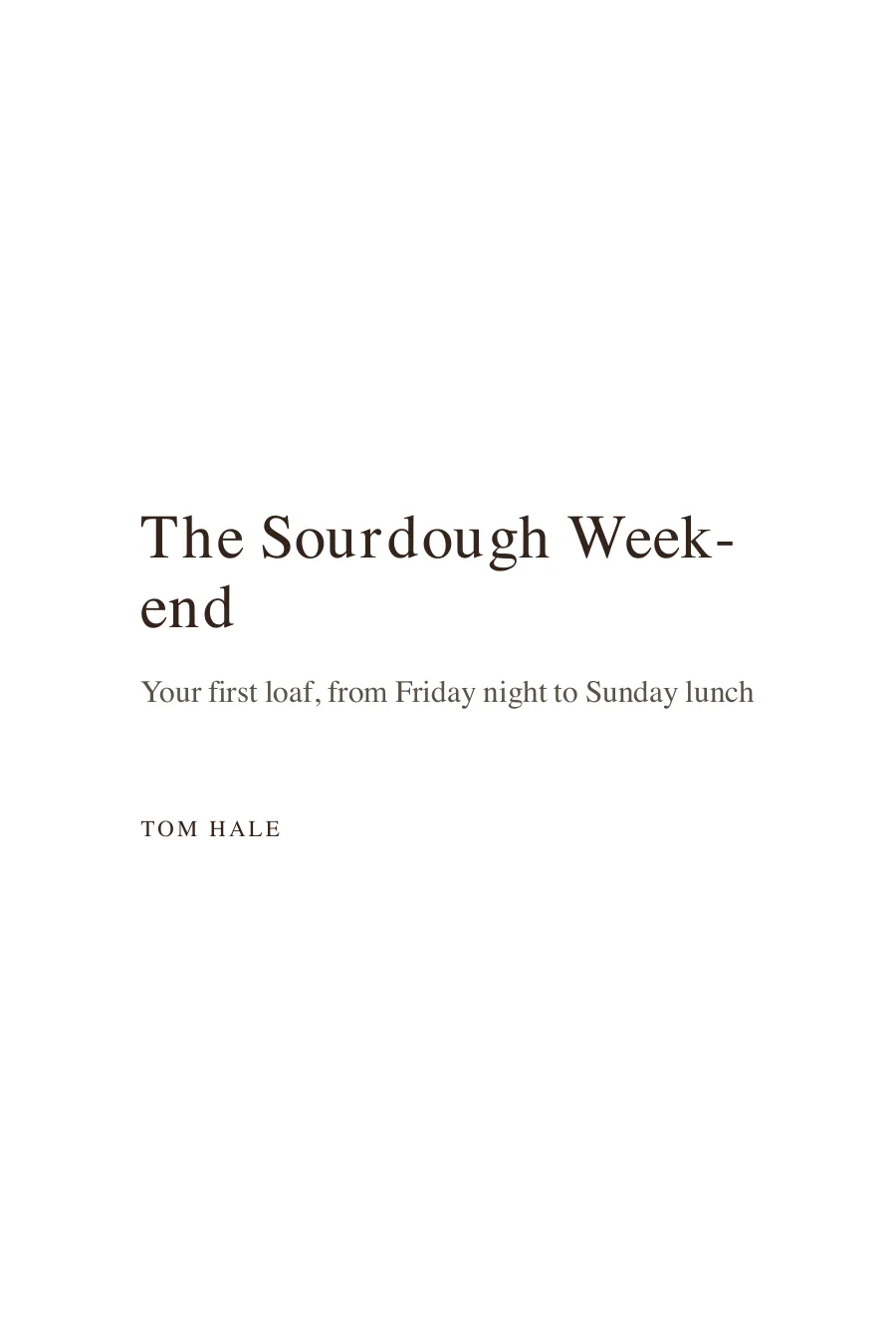
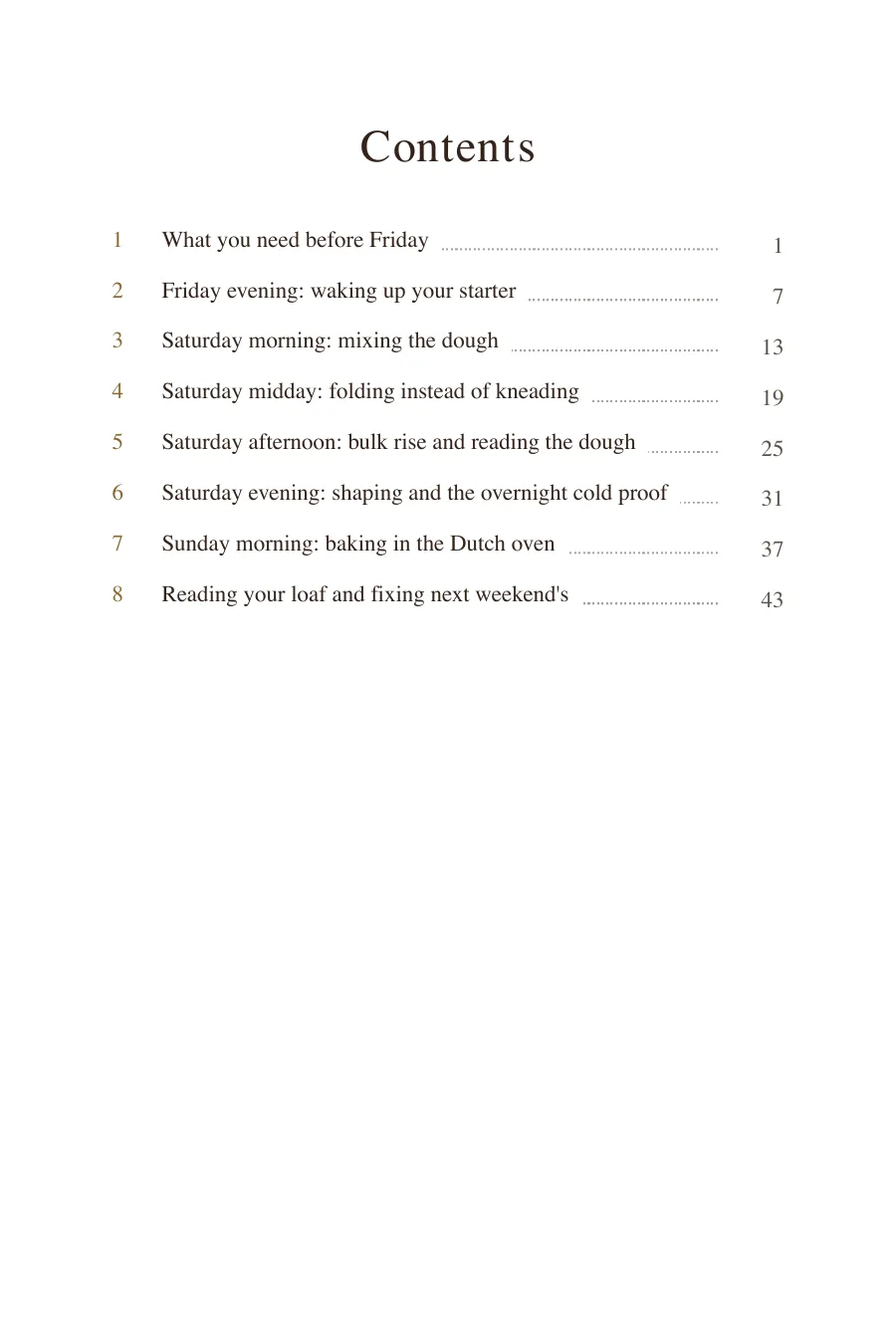
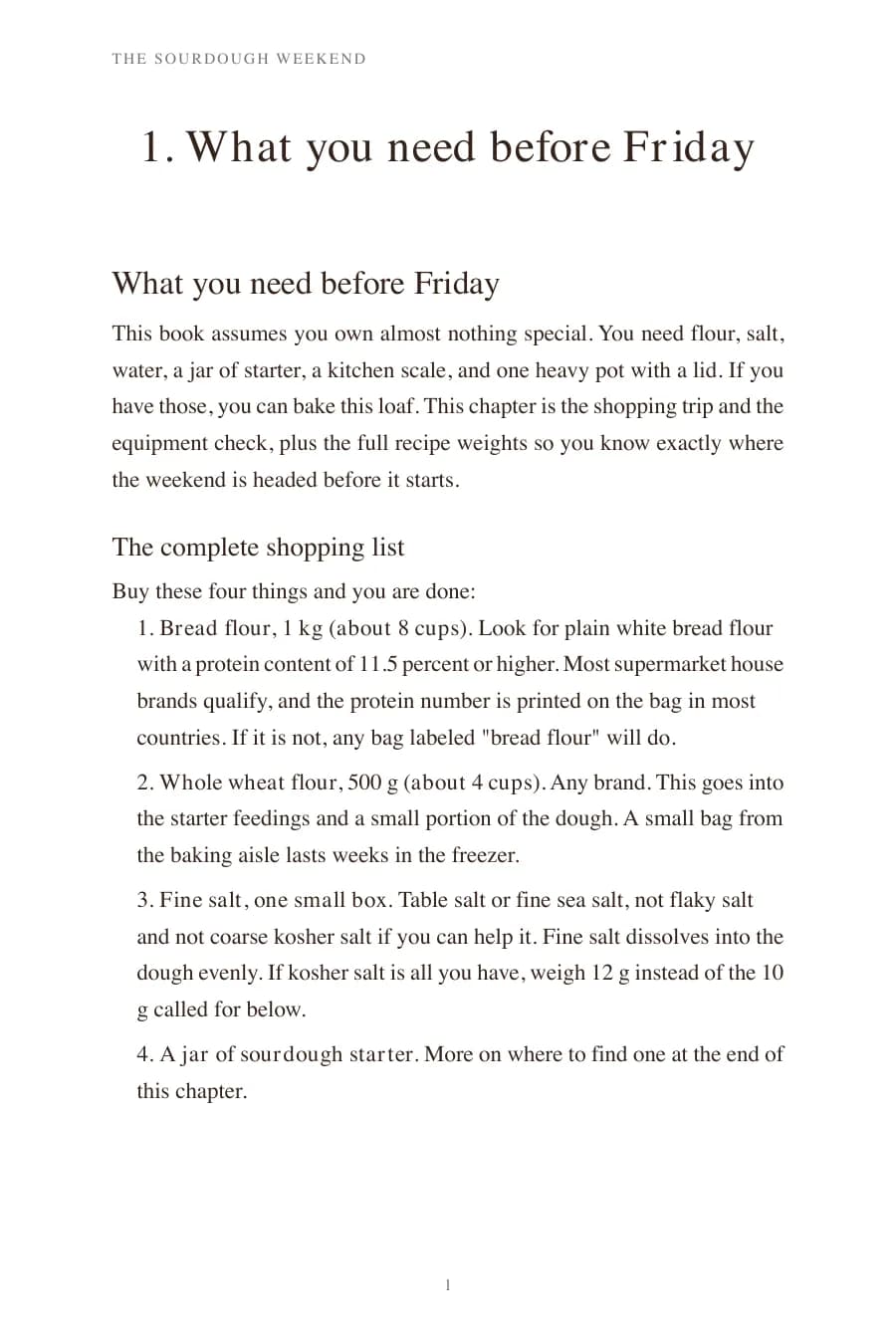
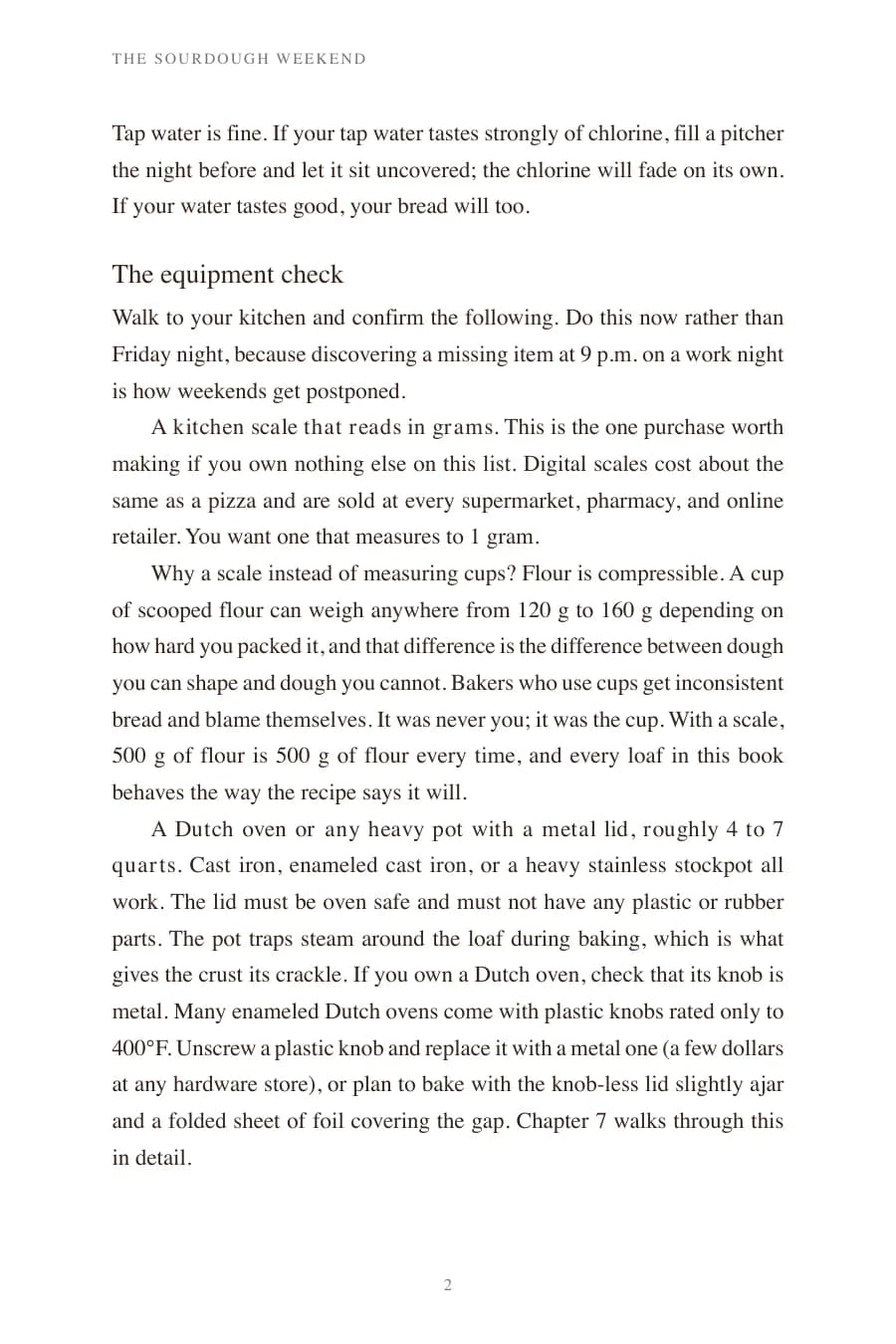
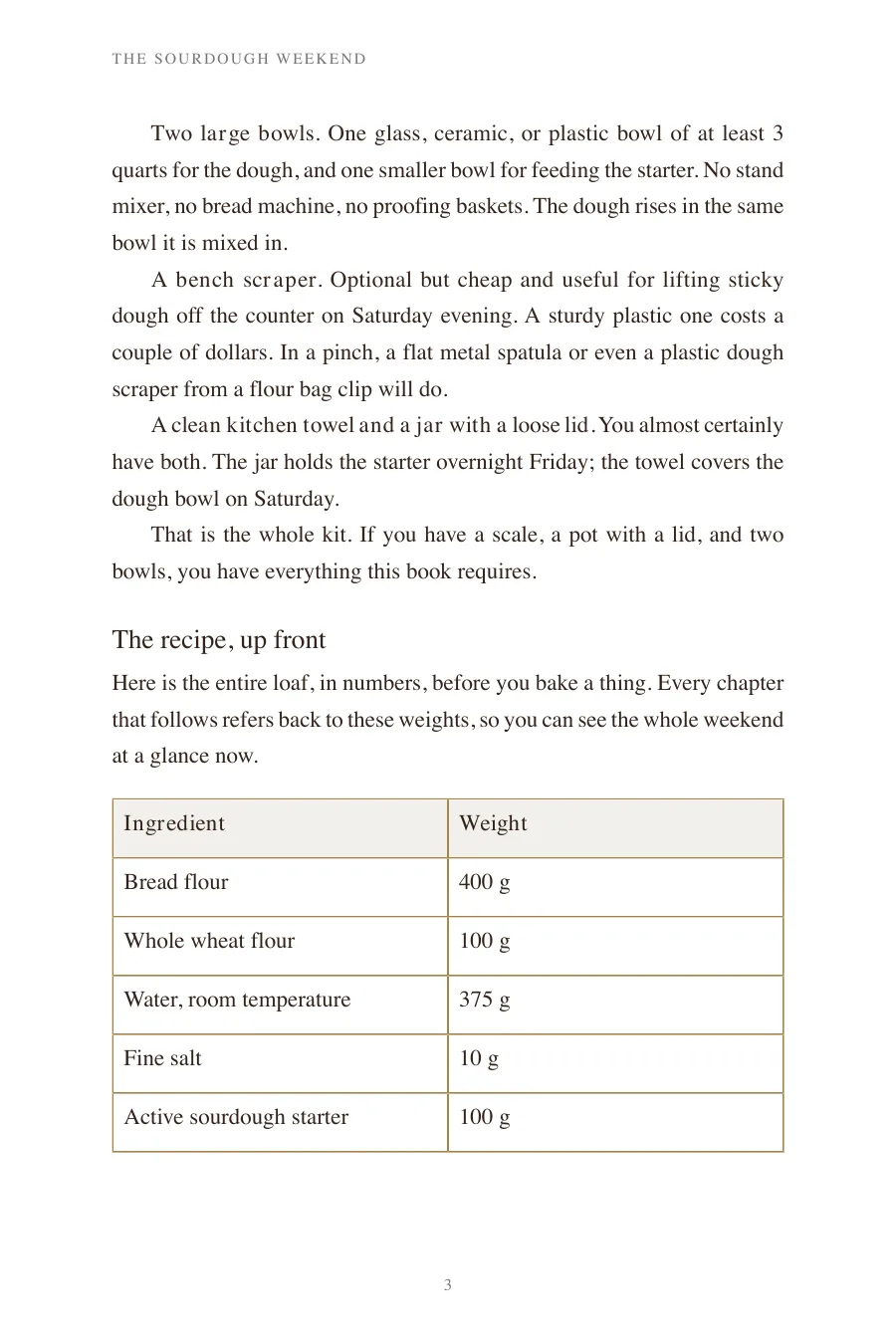
Flip through four example outputs. Each one shows the first pages of the real PDF export, from the cover to the first chapter.
Course
Give every student a book they keep
Coloring book
Sell a printable on Etsy
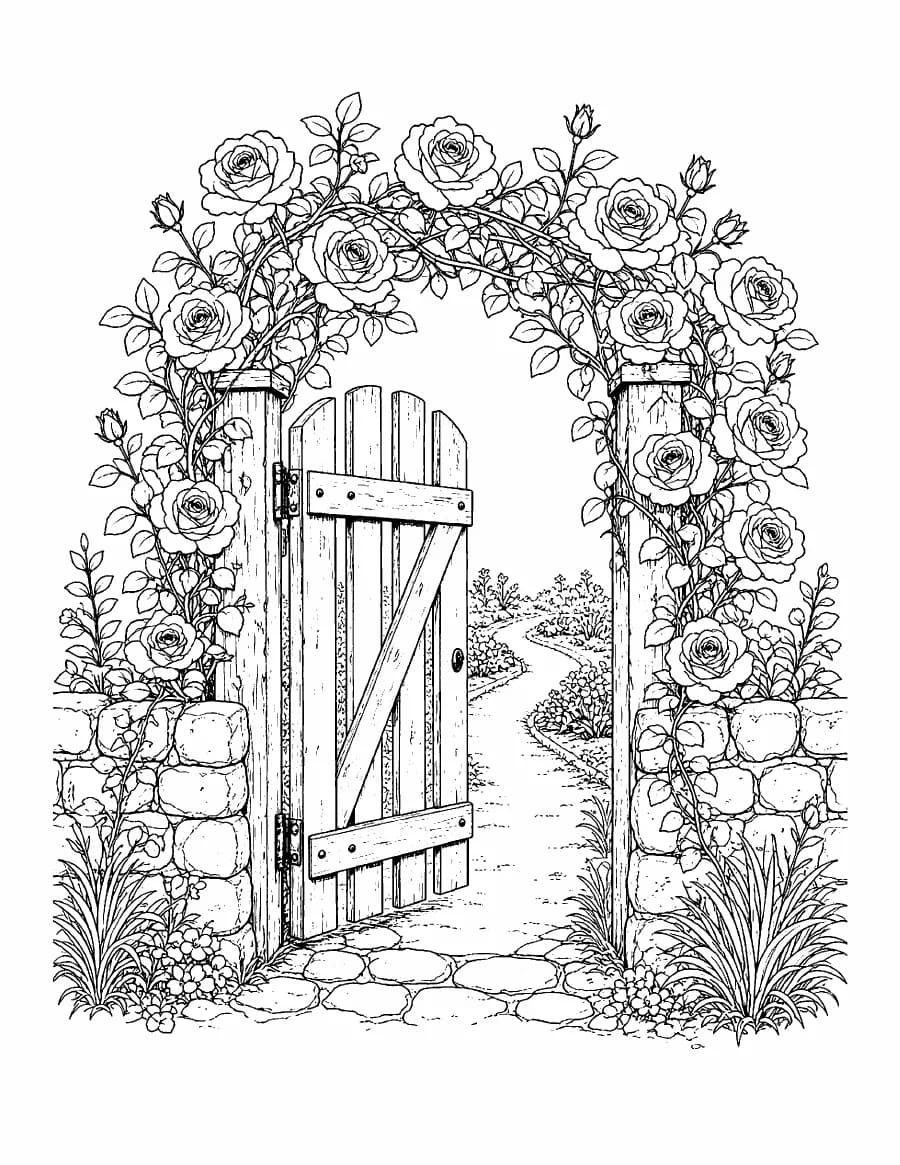
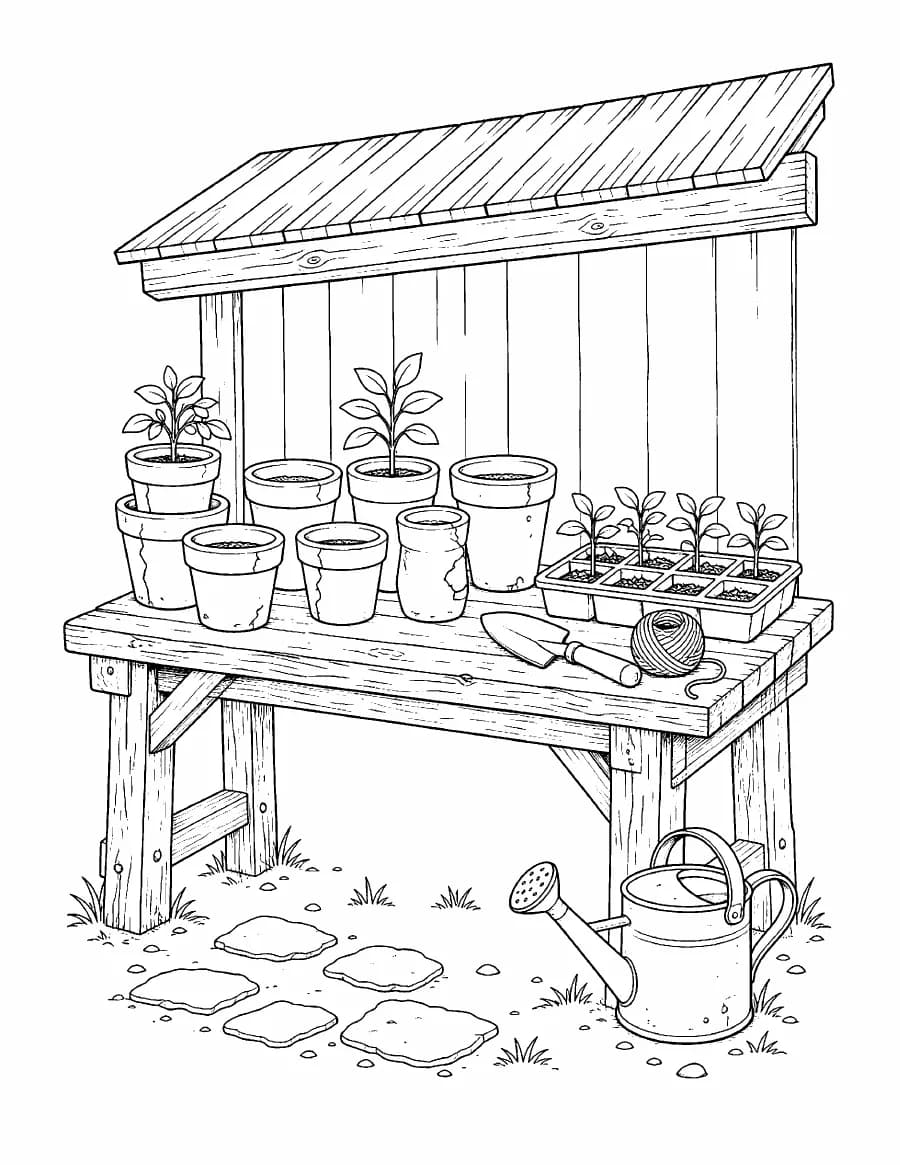
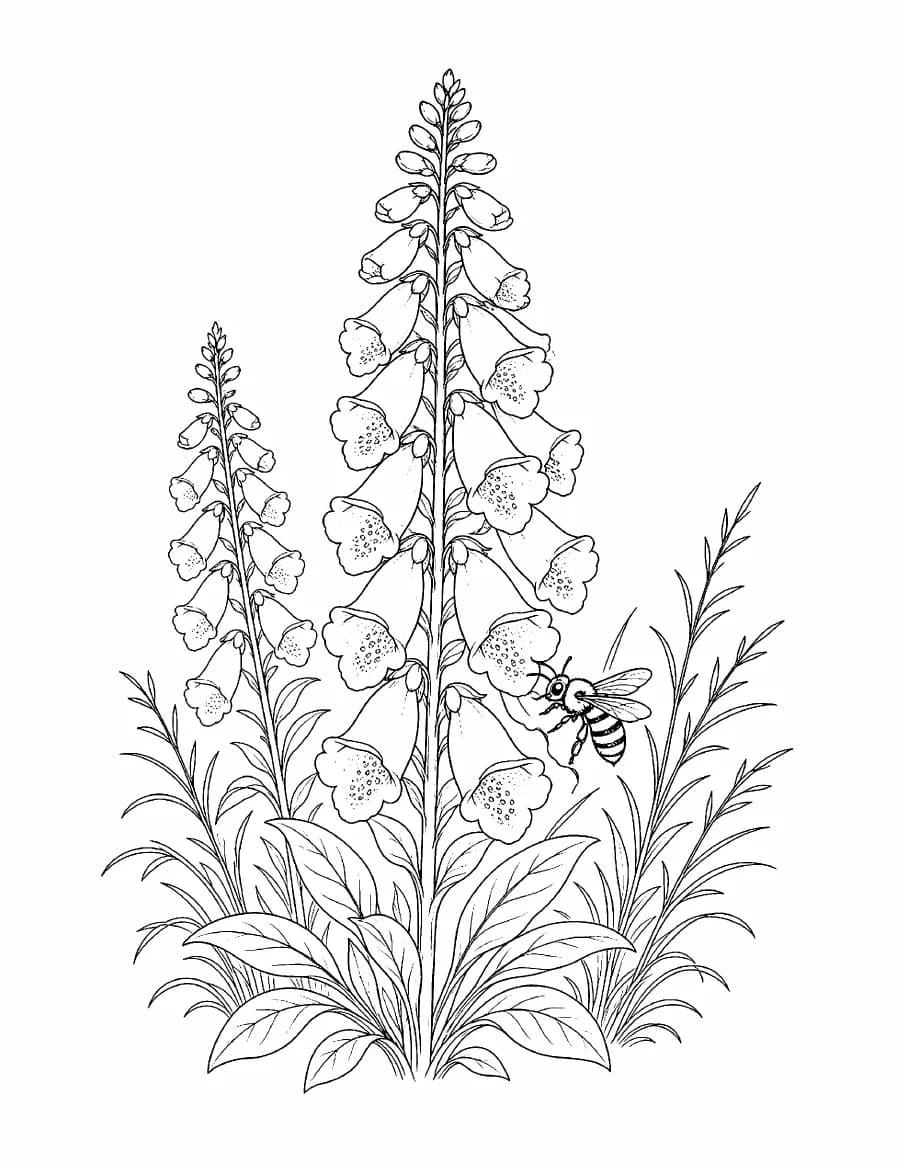
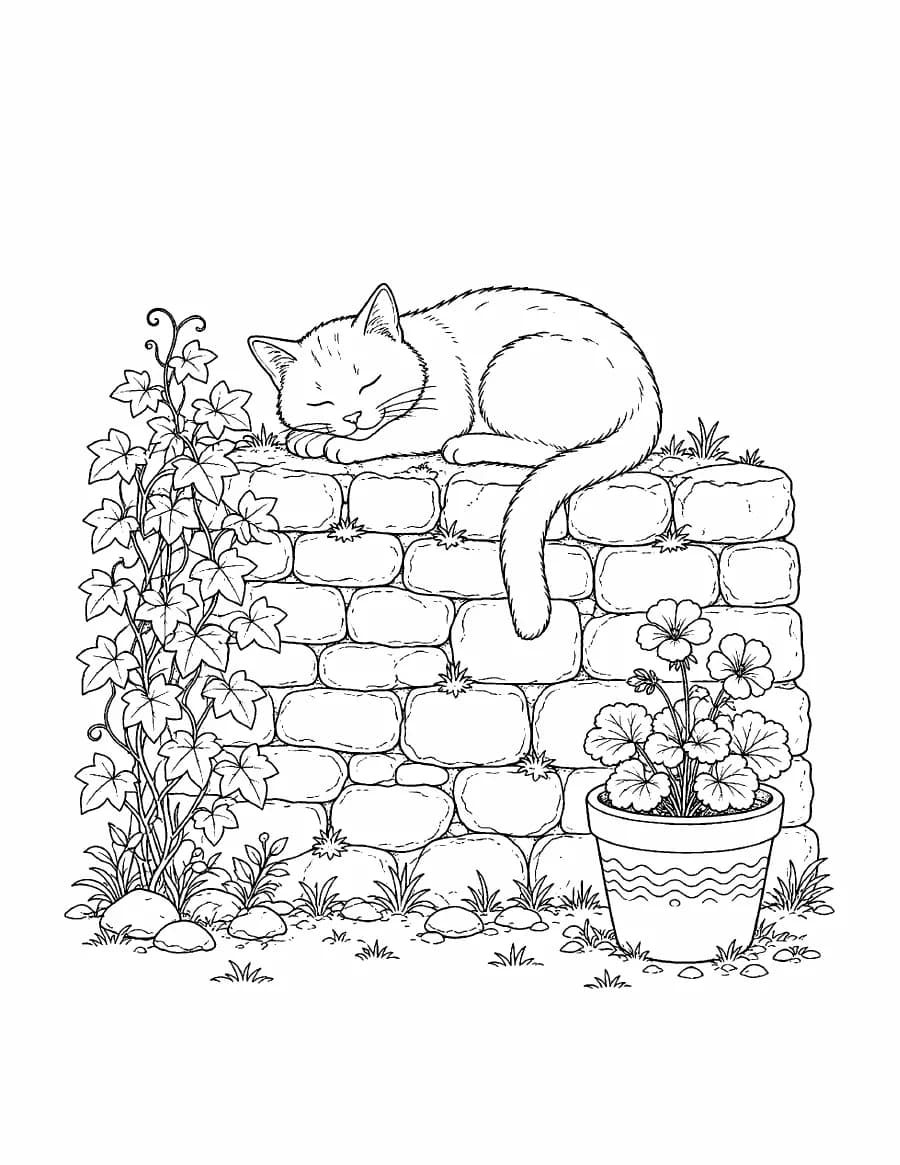
Workbook
Give clients a process they complete on the page
Guide
Sell a focused how-to on Gumroad
Put your knowledge to work
Use one strong idea to make a product, grow an audience, or help clients get more from your work.
Package what you know as an ebook, guide, or workbook for KDP, Etsy, Gumroad, or your own store.
Offer a focused lead magnet that earns an email address and prepares the reader for your service.
Show the thinking behind your coaching, consulting, or agency offer before the first sales call.
Turn lessons and workshop notes into a companion guide that learners can keep, mark up, and use.
How it works
Start with the material you have. Keep control at the points that shape the book.
One sentence, a rough outline, or notes you already have.
Edit the title, chapter order, and guidance before any prose is written.
EBookBrew writes each chapter in context. Review, edit, or regenerate any part.
Make a cover, then export your finished book as PDF, EPUB, or DOCX.
Inside the writing room
Approve the outline, watch the chapters arrive, and shape the cover and files. The work stays visible from the first sentence to the export.
Read the chapter plan, edit every title and summary, and add standing guidance. No chapter is written until you approve the plan.
Chapters stream one at a time in the manuscript view, in a serif built for reading. Each chapter knows what came before, so the structure holds together.
Preview a full print page while you choose the interior theme, page size, font, and text color. One design carries through the PDF, EPUB, and DOCX files.
Pick a style, write a direction, and compare every version side by side at the KDP ebook ratio of 1600 × 2560.
Download the book you reviewed as PDF, EPUB, or DOCX. When you publish, KDP asks about AI-generated text, and the disclosure guide walks you through the answer.
Read the AI disclosure guideEBookBrew for agents
Connect the EBookBrew MCP server to Cursor, ChatGPT, Claude, Codex, or another MCP client. Plan, write, revise, make a cover, and export without leaving the conversation.
See agent accessYou
Turn my workshop notes into a six-chapter client guide. Show me the outline first. Then make the cover and export an EPUB.
Questions before you start
Your first draft starts here